 Roy Pun
How I Split the Work Between Notion and Claude: Why I Still Use Notion Every Day in the Age of AI (2026)
"With Claude Code and Codex around, why do you still need Notion?" I have heard this question many times, so here is a proper answer. The split between Notion and Claude is actually clear: Claude makes execution faster, and Notion shows you where to run.
Canadian entrepreneur Nick Saraev calls one pattern "setup porn": someone runs hundreds of AI agents at once, opens countless lines of work, and still struggles to deliver anything of value.
I have been there myself. Claude produces output so fast that it is hard to stop, the files keep piling up, and the real homework becomes: which ones are worth keeping? Which ones relate to my goals? Which ones can turn into real action?
This article lays out how I split the work between Notion and Claude today: what goes into Notion, what I hand to Claude, and how the two connect into a loop. If you also feel that AI gives you plenty of output that never quite lands, I hope this helps.
Why Do I Still Need Notion When I Have Claude?
In the age of AI, everyone has access to knowledge and fast execution. What is scarce is direction, judgement, and a system that turns results into something real. Claude helps you run faster. Notion lets you see the whole picture.
When AI can give you a dozen ideas in a minute, the bottleneck shifts from "can I make this?" to "which one should I keep?" Without one central place to collect and filter, output ends up as a pile of files nobody opens again.
The Real Bottleneck of AI: Where Does Your Context Live?
However strong the model is, it cannot write something that fits you without context. Yet if you stuff in too much context, the results get worse.
If you have to explain who you are and what project you are working on every time you open a new chat, the output will naturally feel generic. On the other side, Anthropic's engineering article Effective context engineering for AI agents describes a pattern called context rot: as context grows, noise increases, the model's attention gets diluted, and performance drops.
So the key question is: where should your context live? I keep the following in Notion in a structured way:
- Goals and milestones: what matters most at this stage
- Projects: the purpose, constraints, and definition of done for each one
- SOPs and AI skills: repeated workflows written as instructions AI can understand (see my beginner's guide to Notion AI Skills, in Traditional Chinese)
- Decision records: what I decided, and why
AI reads only the part it needs each time. I do not have to repeat myself, and it does not get buried in noise.
How Do Notion and Claude Share the Work?
My rule for splitting the work fits in one line: unlimited work goes to Notion, limited capacity goes to delivery.
Notion AI is included in my Notion plan, so I rarely need to count usage day to day. All context-heavy, text-based work happens in Notion. Claude has usage limits, so I save it for results that actually need to be delivered.
Notion handles: context and text work
- Planning and breaking down projects
- Drafting and organising notes
- Recording decisions and SOPs
Claude handles: real deliverables
- Files and documents in different formats
- PowerPoint presentations
- Code and automation
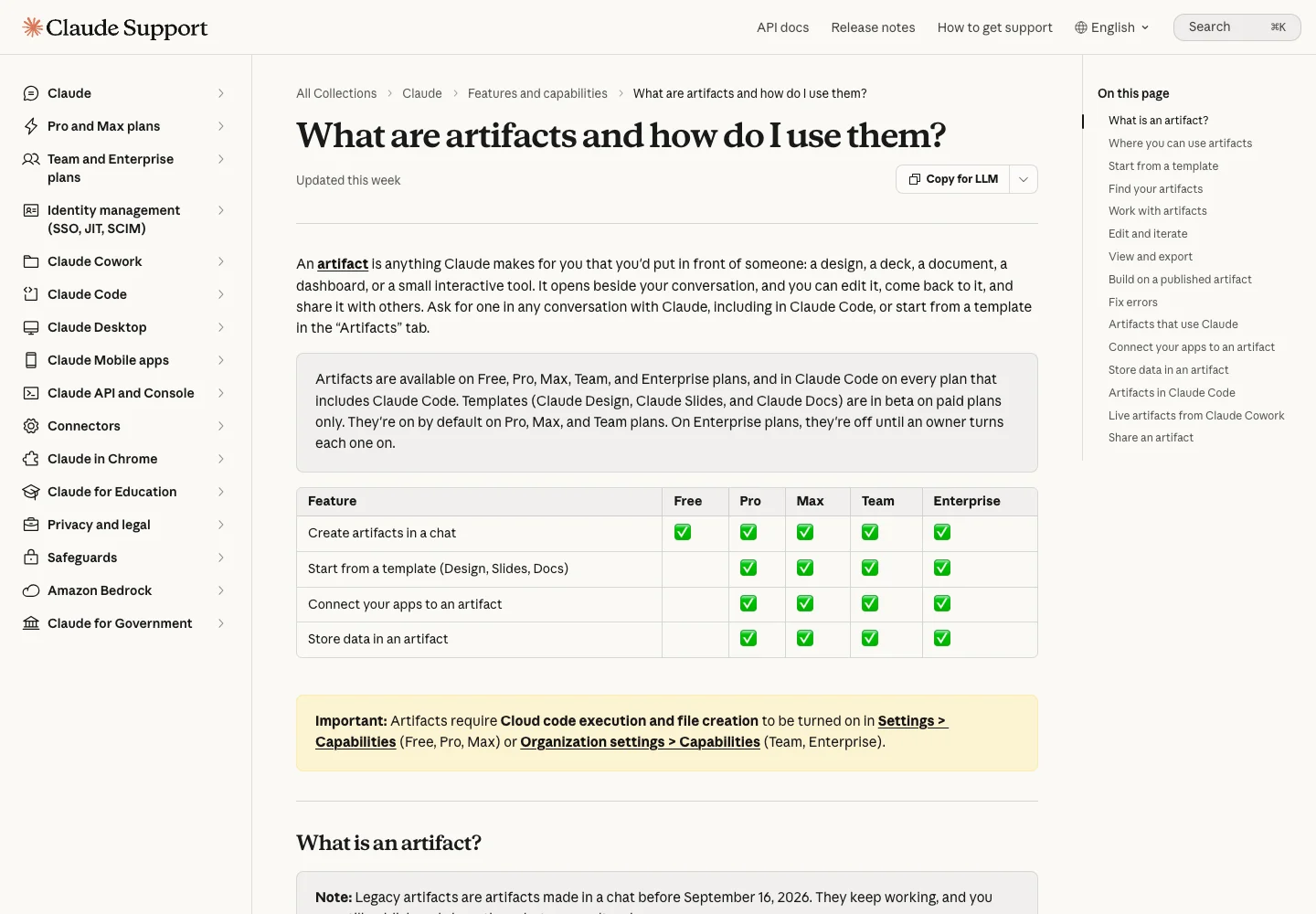 The official Claude Artifacts guide illustrates the deliverable side of the workflow. Captured 2 October 2026. Source
4 things Notion handles at the same time
- SOP storage: every workflow is written down, so AI understands how my work runs
- Goal alignment: goals and milestones stay in front of me, so I can tell whether I am just keeping busy
- Filtering and quality control: AI gives a dozen ideas a minute, so there has to be one place to filter them and decide which ones land
- Open collaboration: teams and clients need to see clearly what you are working on
Claude Can Hold Context Too. Why Do I Still Choose Notion?
To be fair, Claude can do all of this. CLAUDE.md and Claude Projects can also hold context. What I weigh is how easy it is to get started.
Managing context with Claude Code means setting up a file structure, writing configuration, and working in a terminal. Hong Kong is also currently not on Anthropic's list of supported regions, so opening an account takes extra steps (see how to use Claude in Hong Kong). In Hong Kong, you can open the Notion app and start right away. When the barrier is low, the system gets used every day, and context builds up.
I use both. My local AI workspace has a rules file stating that Notion is the source of truth for goals, projects, tasks, decisions, and SOPs. Files, code, and deliverables are produced locally, and a summary and link go back to Notion when they are done. Each side has a clear role, so the information never ends up in two versions.
The Notion × Claude Work Loop: 3 Steps
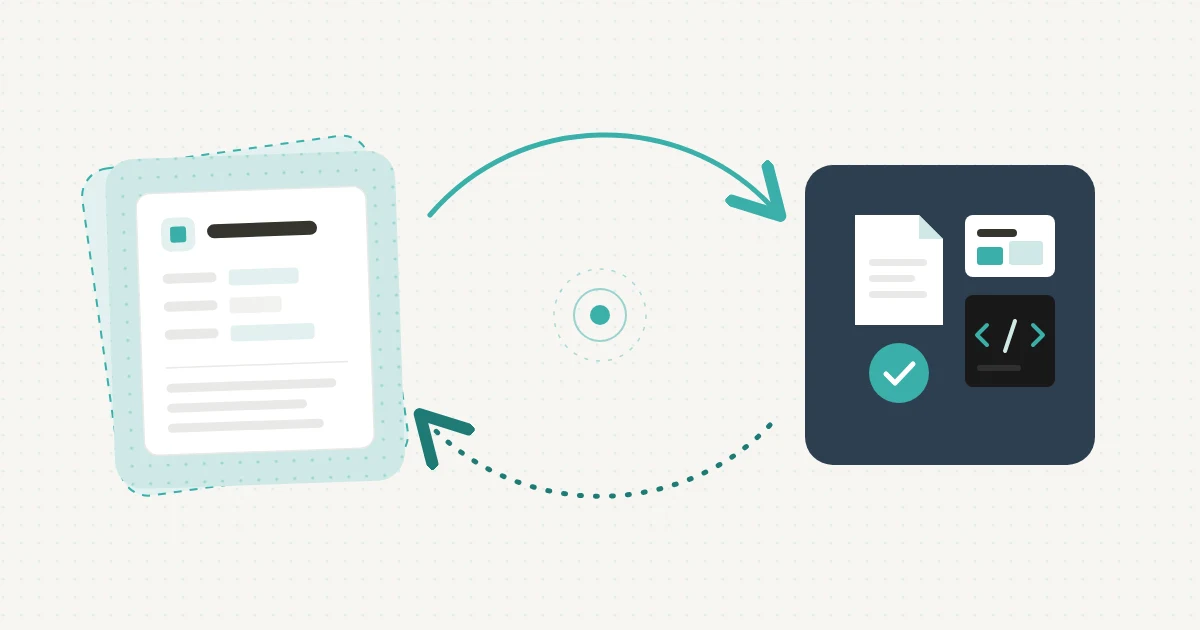
Ideally, you use the two together so context and results feed each other. The loop has only three steps:
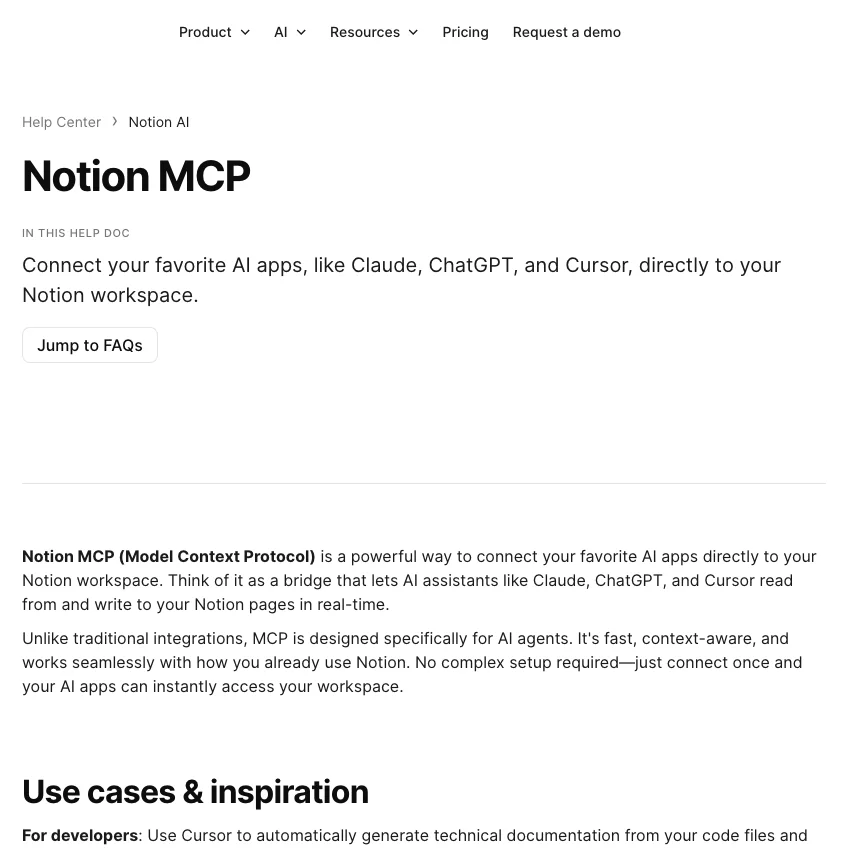 The official Notion MCP guide illustrates the connection between the tools. No account was connected and no workspace data was changed. Captured 2 October 2026. Source
Step 1: Notion provides the context
Before starting, read the current project, goals, and relevant SOPs from Notion, taking only what this task needs.
Step 2: Claude produces the deliverable
Claude uses that context to produce files, slides, or code.
Step 3: The result goes back to Notion and becomes an asset
Write the link to the deliverable, a summary, and the decisions made back into Notion. These records become the context for the next piece of work.
Once the loop is running, every finished task adds a little more context to the system, and the next output fits you better.
The faster you run, the more you need a table where you can see the whole picture.
Quick Exercise: Is Your AI Output Landing?
Take one minute to ask yourself three questions:
- Of the files AI produced for you in the past week, how many will you open again?
- Do these outputs relate directly to your goals for this quarter?
- Next time you open a new chat, can AI read your last decision directly, or will you have to explain it all again?
If the answers make you a little uneasy, here is one small thing you can do today: create a page in Notion and write down your 3 most important projects and the goal of each. That page is the first piece of context you give to AI.
FAQ
What is the difference between Notion AI and Claude?
Notion AI is built into your workspace and can read your pages and databases directly, which suits context-heavy work such as planning, writing, and organising. Claude (including Claude Code) is better at producing deliverables such as files, slides, and code. I let Notion hold the context and Claude handle delivery.
Do I still need Notion if I have Claude Code?
It depends on where you keep your context. Claude Code can store rules in CLAUDE.md, but it takes some technical setup. If you want a place for goals and SOPs that your team and clients can understand and that you can update from your phone at any time, Notion has a much lower barrier.
What is context rot?
Context rot is when the more content you put into an AI's context, the more noise there is, the more the model's attention is diluted, and the worse the output becomes. A good approach is to store information in a structured way and provide only what the current task needs.
Can Notion connect to Claude?
Yes. Notion provides an official MCP connector. Once connected, Claude can search and read the Notion pages you authorise and write content after you approve it. This is what makes the Notion × Claude work loop possible.
Should I learn Notion or Claude first?
If you do not yet have a regular place for your goals, projects, and SOPs, I would suggest starting with Notion. With clear context in place, the output will fit you better whether you use Claude or another AI tool later.
The Faster the Tools, the More You Need a Place to Slow Down
Since I started using AI, I need a place to slow down more than ever. Slowing down leaves room for judgement: is my direction right? Have these outputs become real assets?
The faster the tools get, the more they test whether you know where you want to go. When you use AI today, how do you make sure the output actually lands?