 Roy Pun
How to Use Claude in Hong Kong: A Complete Guide (No Overseas Phone Number or Credit Card Needed)
Claude is one of the strongest AI tools available today, but Hong Kong users hit a wall when they try to sign up directly. This guide shows you how to get Claude Pro in 7 steps, without an overseas phone number or credit card.
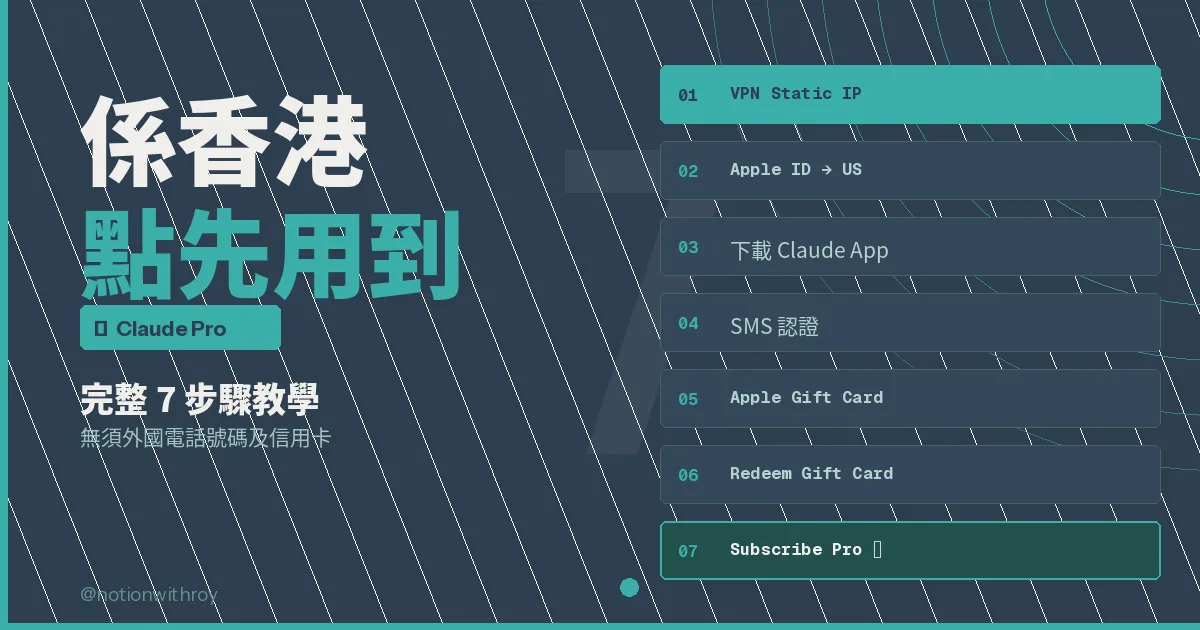
Many friends have asked me: why is ChatGPT so easy to use, while Claude is such a hassle? The reason is that Claude applies much stricter regional restrictions than ChatGPT. Hong Kong IP addresses are easily blocked, phone verification needs an overseas number, and payment does not accept Hong Kong credit cards. With three barriers like that, no wonder people give up.
After trying it myself, I found there is a way. The setup takes about 30 minutes, and after that it only needs a few minutes of upkeep each month. Below are the full steps I tested successfully myself.
Why Is Claude Worth the Setup?
Claude is developed by Anthropic. It performs very well in long-form writing, analysis, and coding, and its conversation style feels more natural than other AI tools. If you use AI heavily, Claude Pro and ChatGPT Plus each have their strengths, and both are worth using.
- High-quality long-form writing with clear, well-organised logic
- Deeper analysis of complex questions
- The Projects feature keeps conversation memory, which makes long-term use smoother
- Claude Code is one of the strongest AI coding agents available today
The Complete 7-Step Guide
Step 1: Connect to a US / New York VPN
The whole process needs a US IP address. Regular VPN servers are sometimes detected, so I recommend a VPN with a static IP, which uses the same fixed IP every time you connect and greatly lowers the risk of your account being blocked. I use NordVPN and pick United States > New York Static IP.
Step 2: Change your Apple ID region to the US
On your iPhone, go to Settings → Media & Purchases → Country/Region, change the region to United States, and enter a US billing address.
Step 3: Download Claude from the App Store
Once you have switched to the US App Store, search for Claude by Anthropic and download it. It is currently number 2 in the US App Store's free app chart, right behind ChatGPT, so it is easy to find.
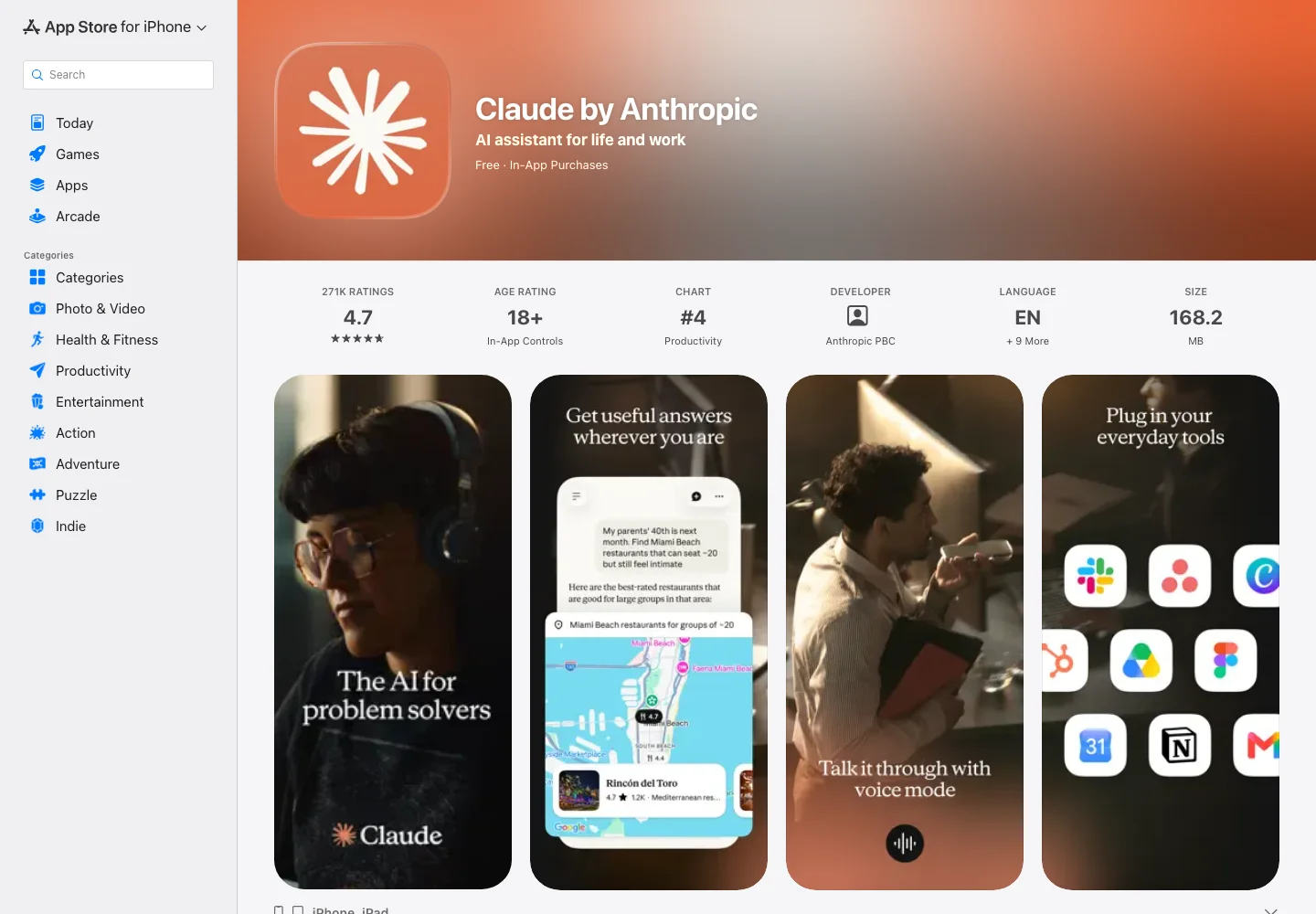 The US App Store listing identifies the official app. This screenshot is not a new test of account registration from Hong Kong. Captured 2 October 2026. Source
Step 4: Verify your phone with smspool.net
This is where most people get stuck. Claude needs an overseas phone number for SMS verification. I use smspool.net to buy a one-time US number to receive the code. It costs about HKD $24 for a single use, and it worked when I tested it.
Step 5: Buy Claude Pro with an Apple Gift Card
The free version works as soon as you are in. Upgrading to Pro (USD $20 per month) needs an Apple Gift Card, because Hong Kong credit cards cannot subscribe directly. With your VPN on, go to apple.com/shop/gift-cards, buy USD $20 or more, and choose to send it to yourself by email.
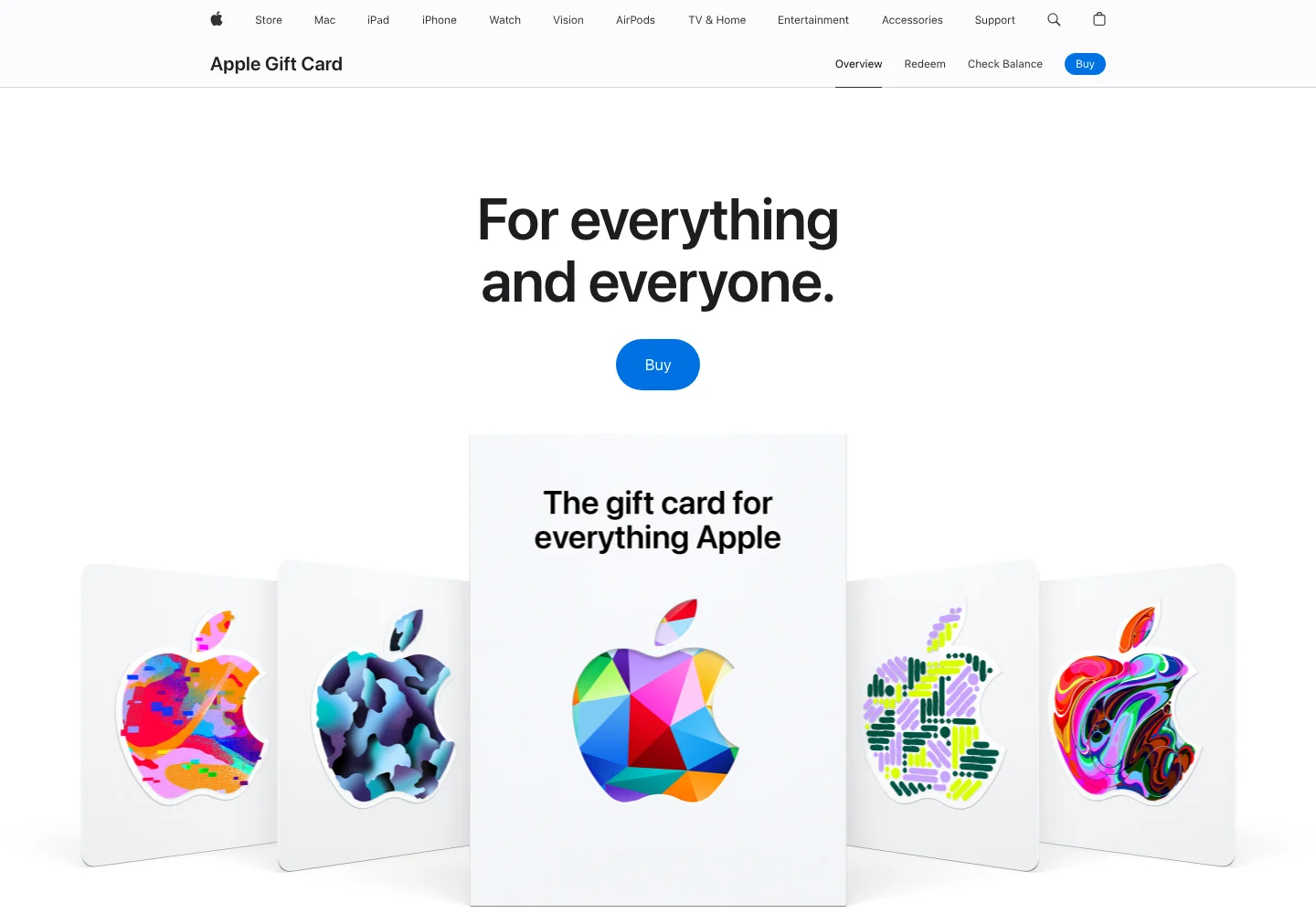 The US Apple Gift Card page. No purchase or redemption was performed. Captured 2 October 2026. Source
Step 6: Redeem the gift card on your iPhone with the VPN on
You will receive the gift card email in about an hour. Three conditions must all be met when you redeem it: use an iPhone, be signed in to your US iCloud account, and have your VPN on. If any one of these is missing, it may fail.
Step 7: Subscribe in the Claude iPhone app
After redeeming, your Apple Account will have enough balance. Open the Claude app on your iPhone and choose Claude Pro Monthly ($20.00/month) to subscribe, with no overseas credit card needed at any point. After that, top up your Apple Account balance to USD $20 or more each month and the subscription will renew automatically.
FAQ
Is the free version enough? It has the basic features, but with a daily usage limit. If you use AI for work every day, the difference with Pro's higher limits and stronger models is very clear.
Can Android users do this? The steps are slightly different, because switching regions in the Google Play Store works another way. I will cover that in a separate article.
Is this method safe? Using a VPN and overseas services carries some terms of service risk, so please use your own judgement. This article is shared for educational purposes only and is not legal advice.